Track public information
Enter a Bilibili MID to view public channel information, including follower count, display name, avatar and profile description.
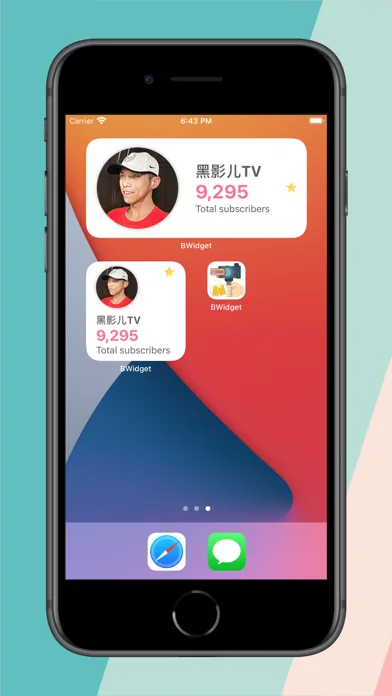
Creator Widget, listed as B Widget on the App Store, uses public Bilibili MIDs to retrieve creator information. Follower counts, trends, insights, account comparisons and Home Screen widgets come together in a lightweight dashboard for creators and account managers.
Creator Widget is a lightweight tool for observing public data, rather than an account management backend. It requires no Bilibili login and only queries public information for the MID you enter, organizing changes into views that are easier to review.
Enter a Bilibili MID to view public channel information, including follower count, display name, avatar and profile description.
Review today’s changes, 7-day and 30-day growth, 90-day follower trends, growth insights and milestone forecasts to understand your progress.
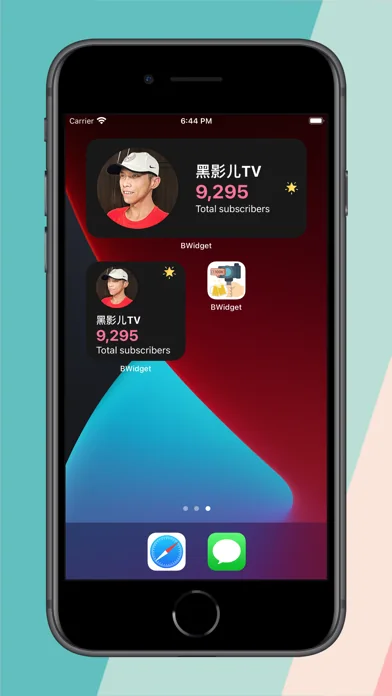
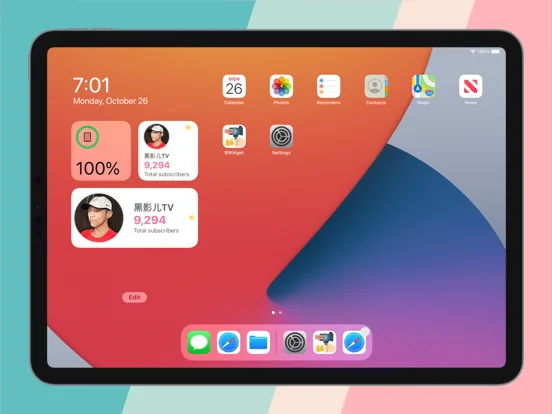
Show follower counts on your Home Screen and compare tracked accounts by followers, 7-day growth or progress toward a milestone.
Enter the MID from a public profile to start following a creator’s progress over time.
Use daily, 7-day, 30-day and 90-day trends to turn a single growth figure into a timeline you can compare.
See follower changes in Home Screen widgets, with less need to open a complex tool.
B Widget is not an official Bilibili app. It only queries public creator information for the MID you provide.