
Build a visual inventory
Save item names, photos and units, search by name, and see current quantities and in-stock items directly in the list.
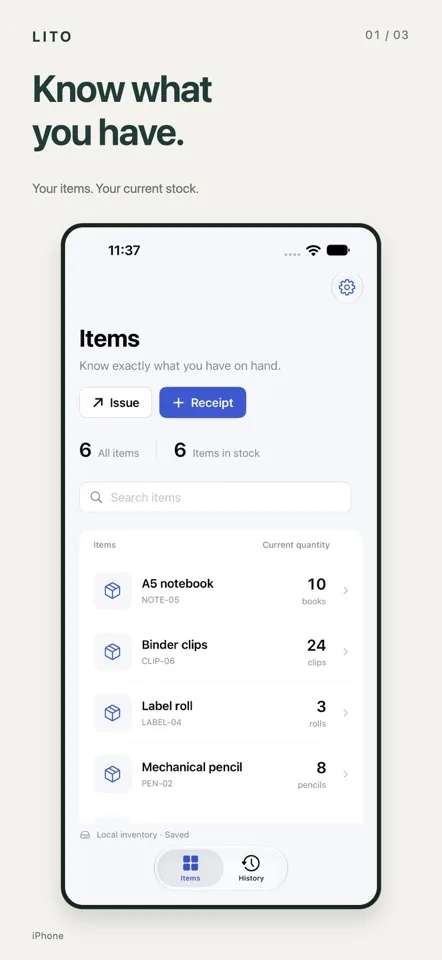
LITO organizes personal belongings with photos, units and quantities, keeping receipts, issues, destinations and notes in one clear inventory record. No account is required, and local inventory works offline.

LITO is designed for personal inventory such as household items, supplies and collections. It records not only each quantity change, but also why it happened and where an item went.
Save item names, photos and units, search by name, and see current quantities and in-stock items directly in the list.
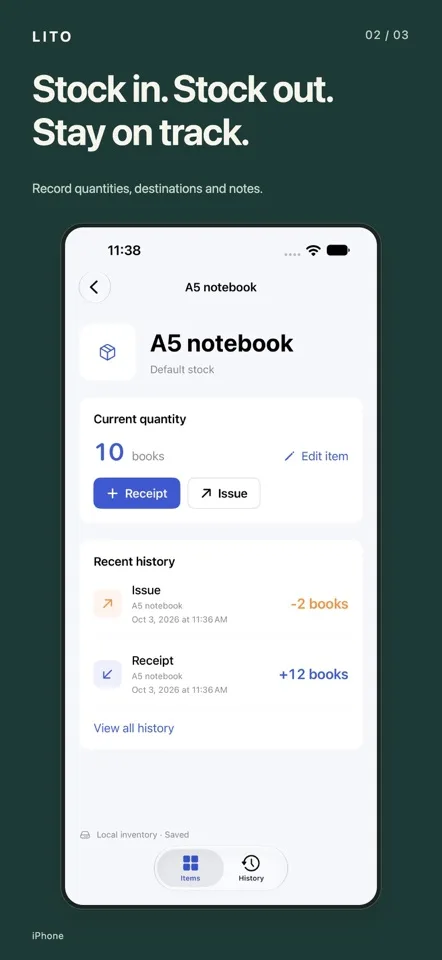
When issuing stock, add a destination or recipient, purpose and notes. LITO prevents issuing more than the available quantity.
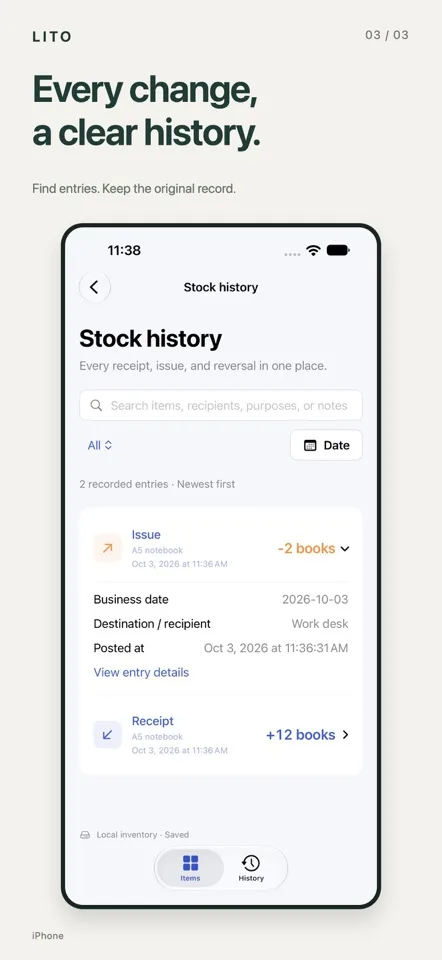
Find entries by date, type or keyword. Reversals keep the original entry and add a reversing record, while current stock can be exported as CSV or Excel.
Add a name, photo and unit to create an inventory card that is easy to recognize.
When quantities change, add a recipient, purpose or note so you do not have to rely on memory.
Search history anytime, enable iCloud sync, or export current inventory to a spreadsheet.
No LITO account is required. Local inventory works offline, and you can optionally enable iCloud sync with your own Apple Account.