See what is in stock
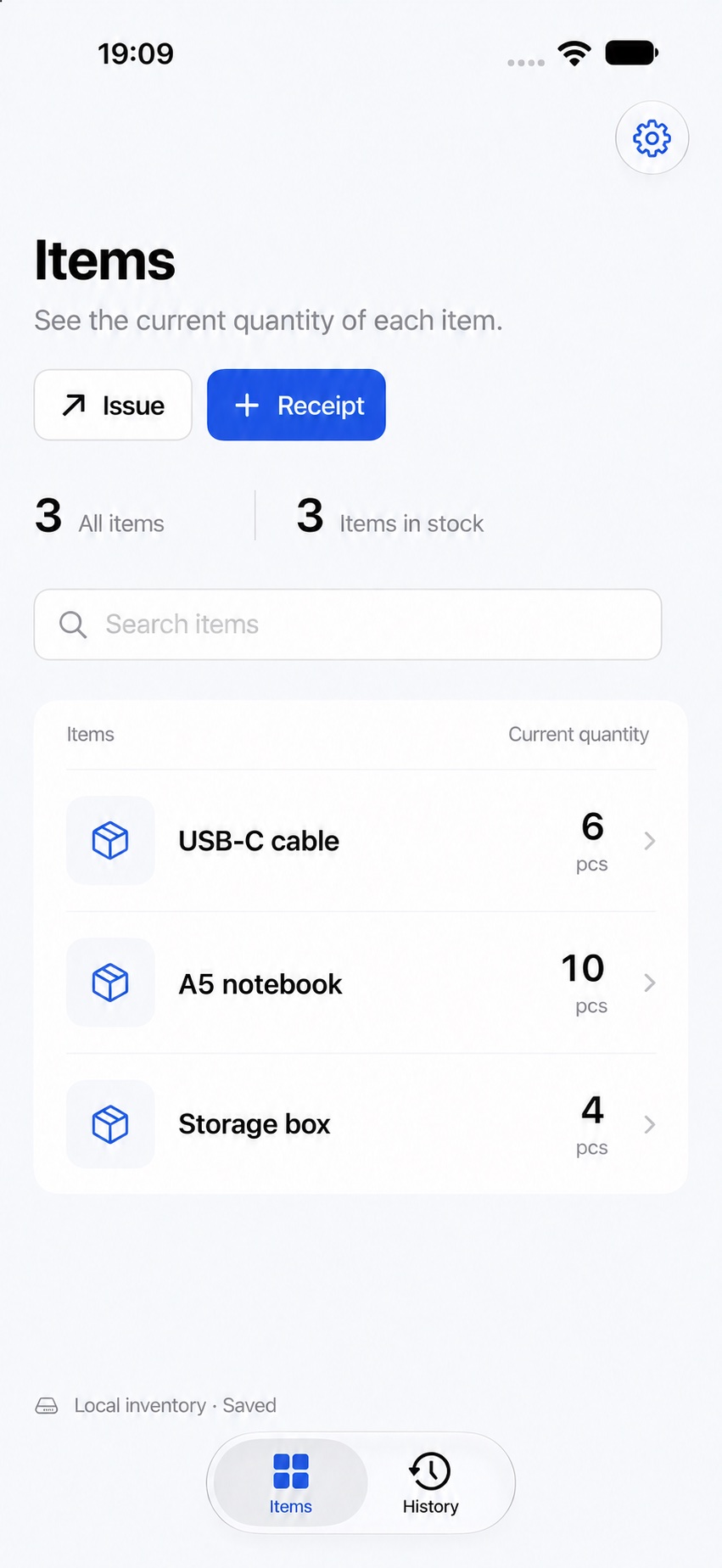
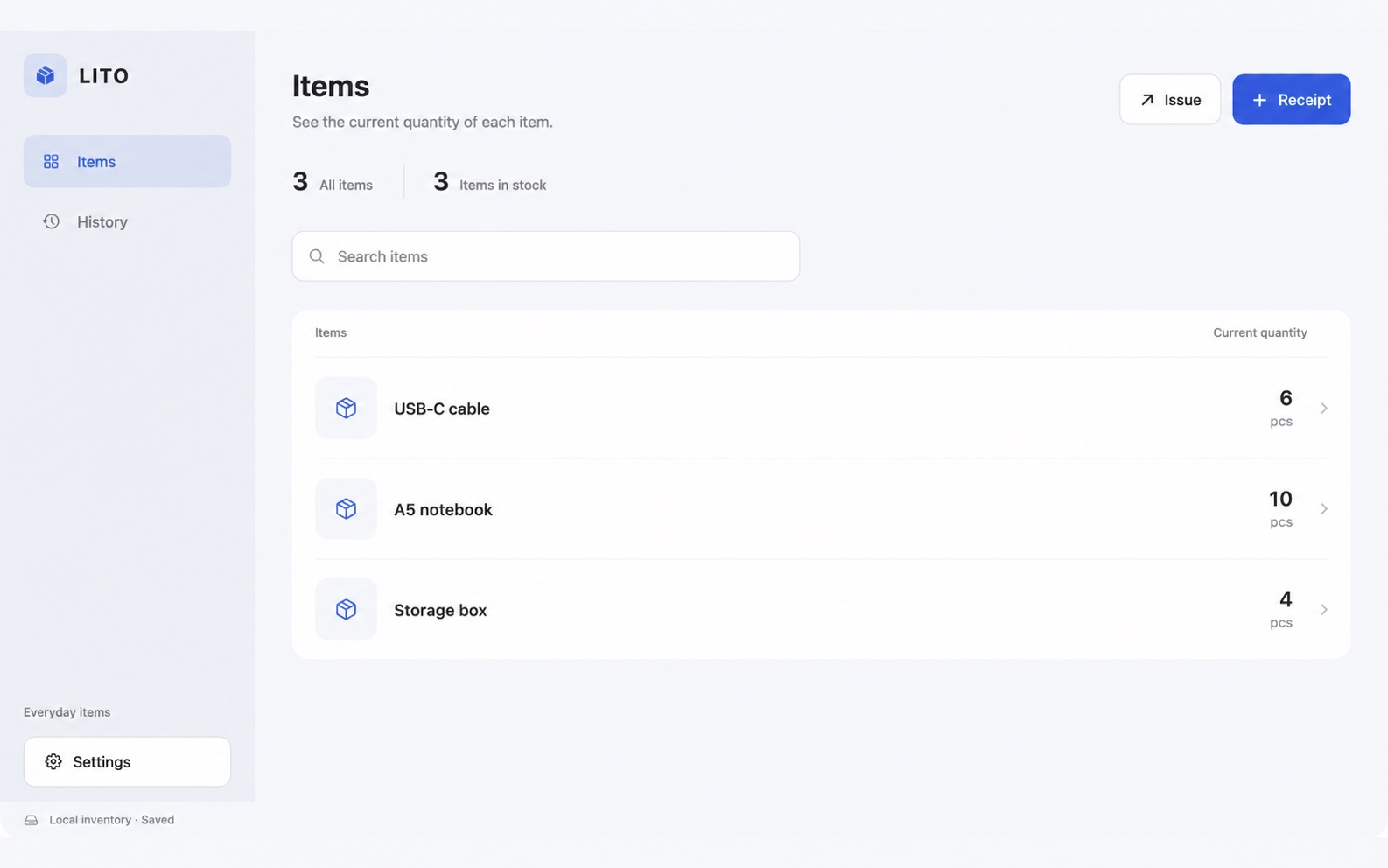
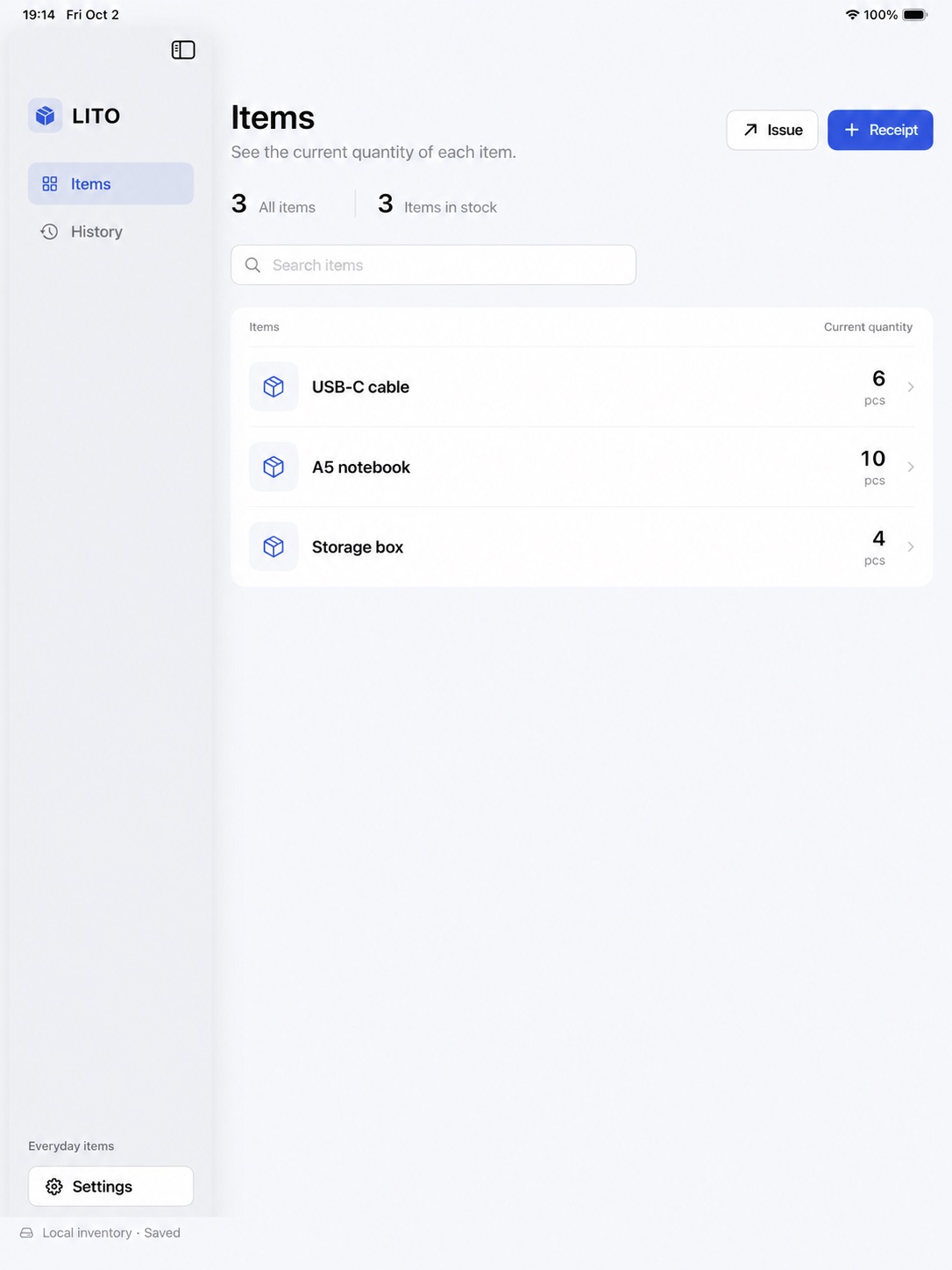
See item names, photos, quantities and units in one list. Search by name and open an item to view stock and history.

iPhone · iPad · Mac
LITO tracks your items and stock movements. See what you have now and when each quantity changed.
Preparing for the App Store. Not yet available to download.
Simple everyday records
Identify items by name or photo, record receipts and issues, and follow each change in the history.
See item names, photos, quantities and units in one list. Search by name and open an item to view stock and history.
Create a new item while recording a receipt. For an issue, record the destination or recipient, purpose and notes. You cannot issue more than is in stock.
Filter history by date, type and text. A reversal keeps the original entry and adds an opposite entry. If it cannot be reversed, the app explains why.
Use the screen that suits you
Requires iOS/iPadOS 18 or later, or macOS 15 or later. Export current stock as a CSV or Excel file.
Choose where your records live
Start with a local inventory without setting up iCloud. Enable sync when you need it and open the same inventory on devices using the same Apple Account.
Writing to an iCloud inventory requires an internet connection. The app checks for changes while in use, and you can also refresh manually.
Inventory data is not sent to developer servers. The app contains no advertising SDKs or advertising tracking.Read how data is handled