23 independent gauges
Cover pace, speed, cadence, power, distance, altitude, route, weather, running dynamics, and Stryd metrics. Use only what you need.
From your activity to your timeline.
Turn an activity into a story,
right inside DaVinci Resolve.
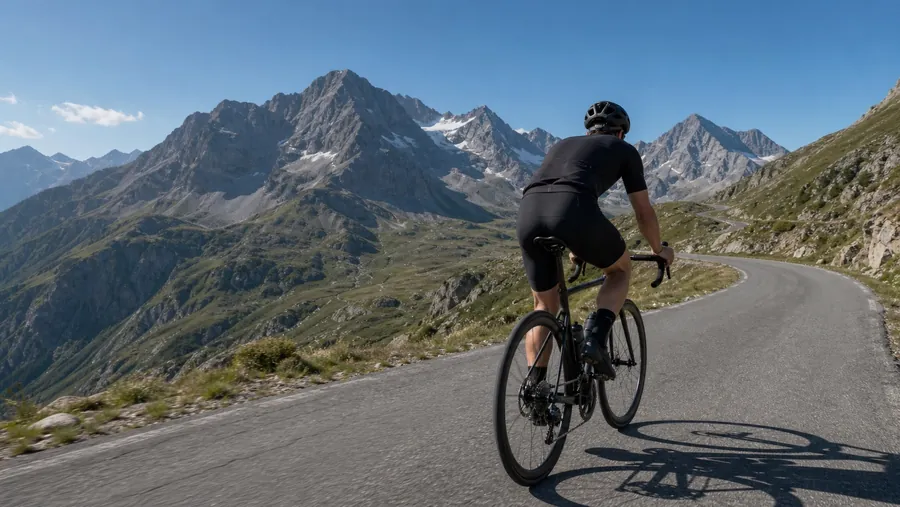
Drag the telemetry gauges you need from the Effects Library onto your timeline.
On macOS 13+, select an activity from Garmin or COROS. Both macOS and Windows support local FIT files. Only the optional weather feature queries OpenWeather for historical conditions.
Tune style and time mapping in the Inspector, then finish your edit as usual.
Every gauge is a standalone OpenFX generator. Drop it on the timeline and adjust position, color, and style, the same way you grade and cut.
Cover pace, speed, cadence, power, distance, altitude, route, weather, running dynamics, and Stryd metrics. Use only what you need.
On a deadline? One generator lays down the full dashboard.
Reloaded only when the file changes; per-frame rendering never re-parses the whole activity, so the timeline stays smooth.
RESOLVE TELEMETRY OVERLAY
Mix speed, pace, heart rate, power, distance, route, weather, and more to fit each shot.
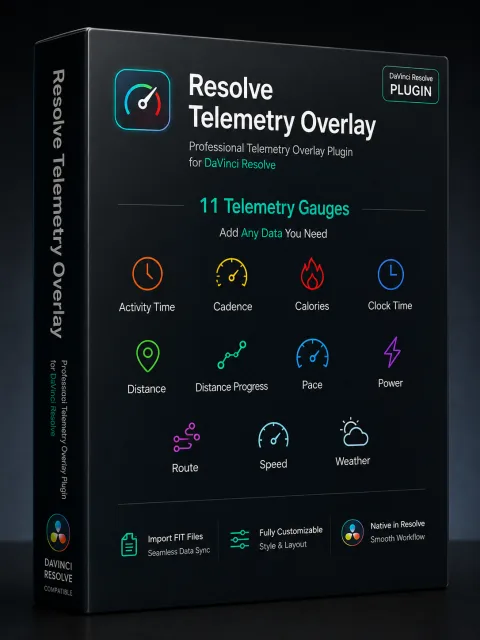
Import FIT in DaVinci Resolve, preview telemetry gauges, and tune style, layout, and time sync directly in the Inspector.
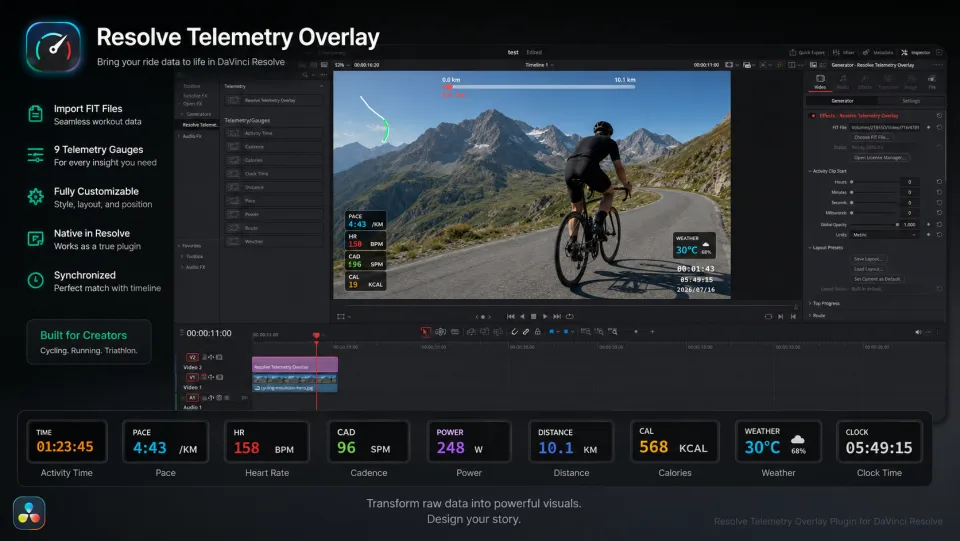
Resolve Telemetry Overlay
Import activities directly on macOS 13+, or use local FIT files.
Your purchased major version and all its updates, with no subscription. Activation and periodic checks require internet.
The local self-signed certificate is not trusted by the Windows public trust chain, so SmartScreen / Unknown Publisher may appear. Before downloading, confirm that you are on the official site and verify the SHA-256 shown on the download page or manifest. Windows may show a More info → Run anyway option.
One-time payment · Up to 10 consecutive days offline
One license supports macOS and Windows x64, with up to two computers activated at the same time (total); trials are independent per device.
Email is required at checkout; it receives your license and device-reset messages.
Your license key has been emailed to you. You can also copy it right now. If it doesn't arrive, check your spam folder.
Try every feature free for 7 days. No purchase required. Download and install, then start your trial in the license manager. One trial per device.
Yes. You do not need to stay connected. Internet access is needed to activate your license or start the trial. While your license remains valid, you can read local FIT files, add gauges, and export videos offline.
A paid license allows up to 10 consecutive days offline from the last successful online license check. After that, reconnect and complete a license check to resume use. The trial lasts 7 days from when you first start it; going offline does not extend it.
Importing new activities from Garmin or COROS accounts and fetching new weather data from OpenWeather still require internet access.
Supports DaVinci Resolve 18.6.6 or later on macOS 12 or later with an Apple Silicon Mac, as well as Windows x64. Functional testing has been completed on DaVinci Resolve 18.6.6; the fully documented environment is DaVinci Resolve Studio 21.0.2 on macOS 26.5.2. Windows x64 Official Release (Self-Signed) is delivered as a manual MSI. Its self-signed certificate is not trusted by the Windows public trust chain, so SmartScreen / Unknown Publisher may appear. Confirm the official site and verify the SHA-256 shown on the download page or manifest before downloading. Windows may show a More info → Run anyway option.
Yes. One license supports macOS and Windows x64, with up to two computers activated at the same time (total); Windows uses windows-machine-v1, and trials are independent per device.
Your FIT file, video, and rendering stay local. When you enable weather, the plugin sends latitude, longitude, activity time extracted from FIT, and your OpenWeather API key to OpenWeather to retrieve historical weather. See the Privacy Notice.
Yes. You provide your own OpenWeather API key. When enabled, latitude, longitude, activity time, and that API key are sent to OpenWeather. Its account, usage, and any charges are not included in this product's price.
Your right to use the purchased major version and its updates does not expire, but this is not a permanently offline license. Initial activation and periodic license refreshes require internet access. Each successful refresh provides a 5-day lease plus a 5-day grace period, allowing up to 10 consecutive days offline. Any paid future major upgrade will be announced separately.
Deactivate on the old device, then activate on the new one. If it is unavailable, verify your purchase email on the license reset page.
After a full refund or a confirmed payment dispute, the license is deactivated. See the purchase terms for exact refund conditions.
Not using DaVinci Resolve?
Resolve Telemetry Overlay is a DaVinci Resolve plugin. If you don't use DaVinci, try DataLayer Studio — a standalone macOS app from LIGHTOUCH that turns FIT / GPX activity data into video data layers, with no editing-software plugin required.