Calendar periods
Runs are counted by their start time in natural weeks, months and years. Weeks can start on Monday or Sunday.
RunningWidget brings the running numbers you check most to your Home Screen and Lock Screen: your latest run, this week's distance, your year so far and today's status.
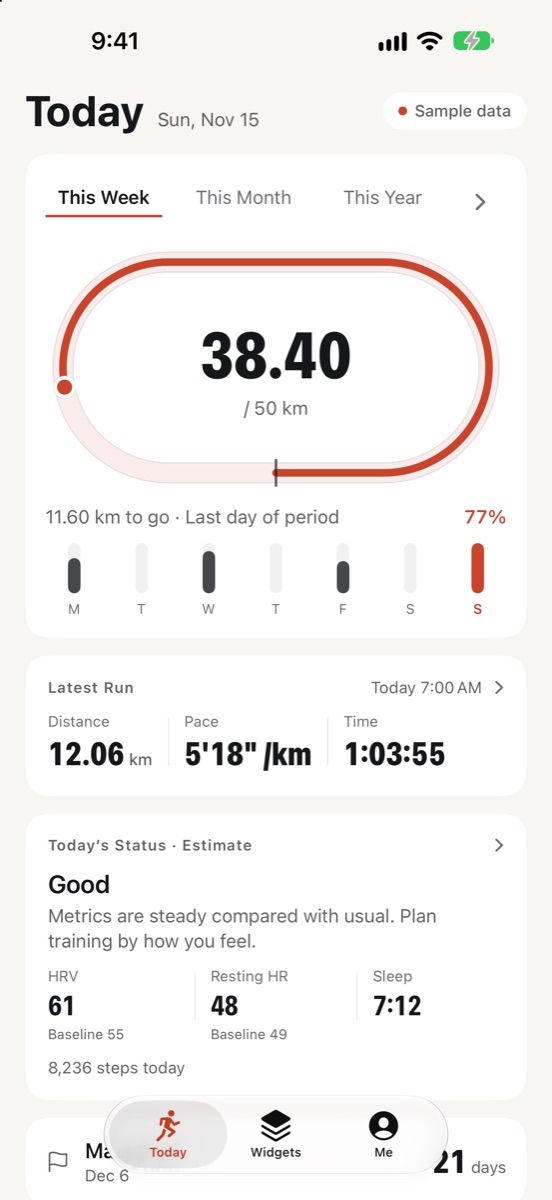
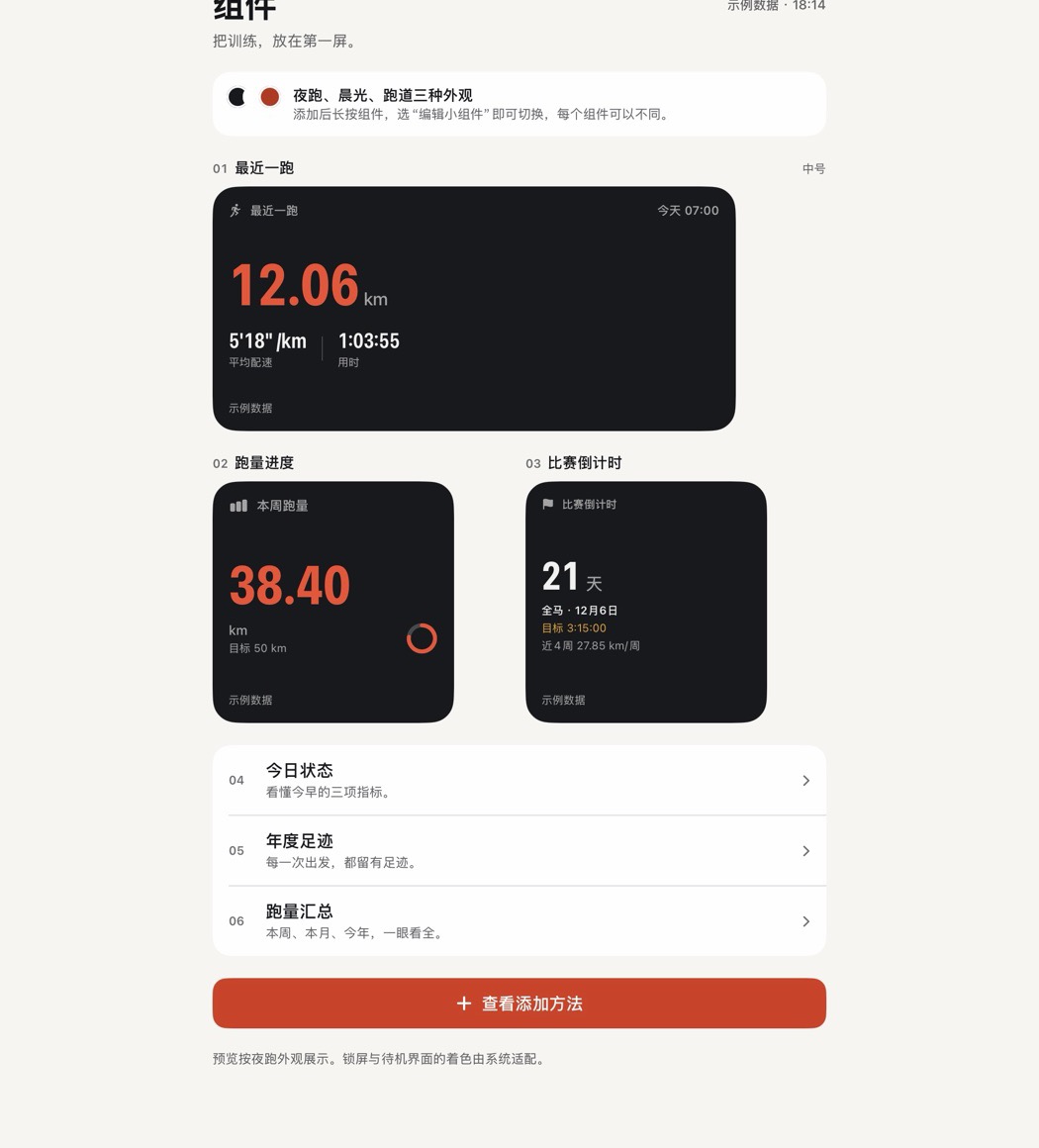
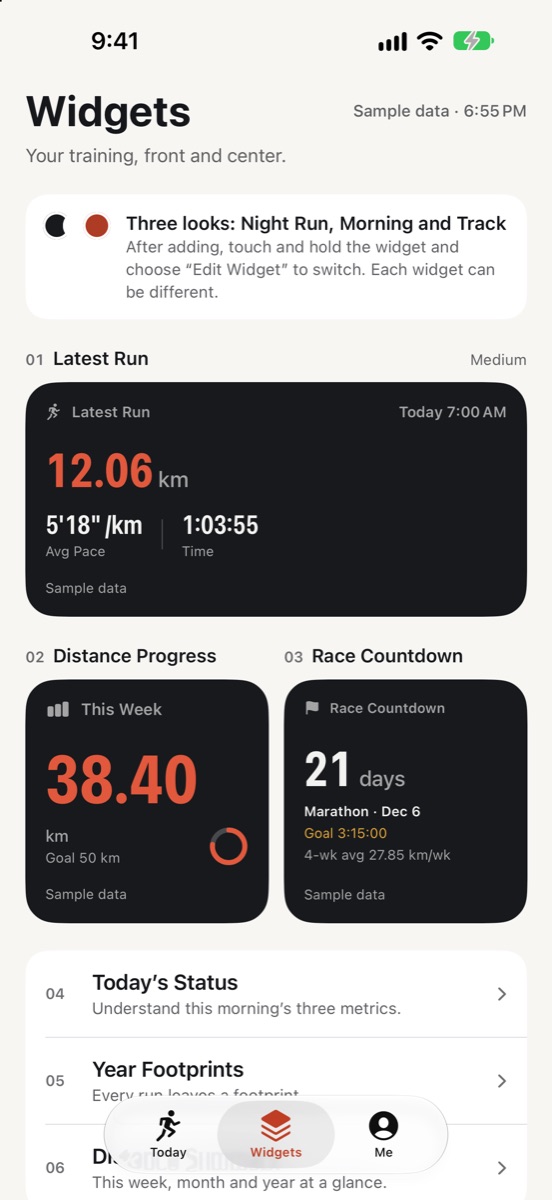
Choose a look for each widget on its own, in sizes for both the Home Screen and the Lock Screen.
Distance, pace and time at a glance. · Small · Medium
Weekly, monthly or yearly goal, with distance and days left. · Small · Medium · Lock Screen circular
This week, this month and this year side by side. · Small · Medium
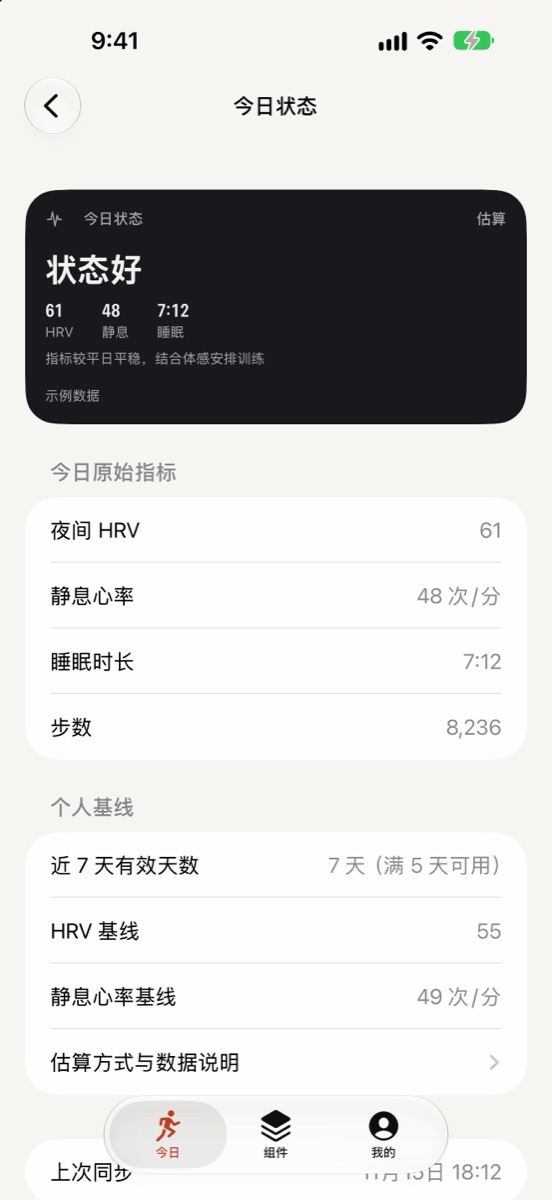
HRV, resting heart rate and sleep against your own baseline. · Small · Medium · Lock Screen rectangular
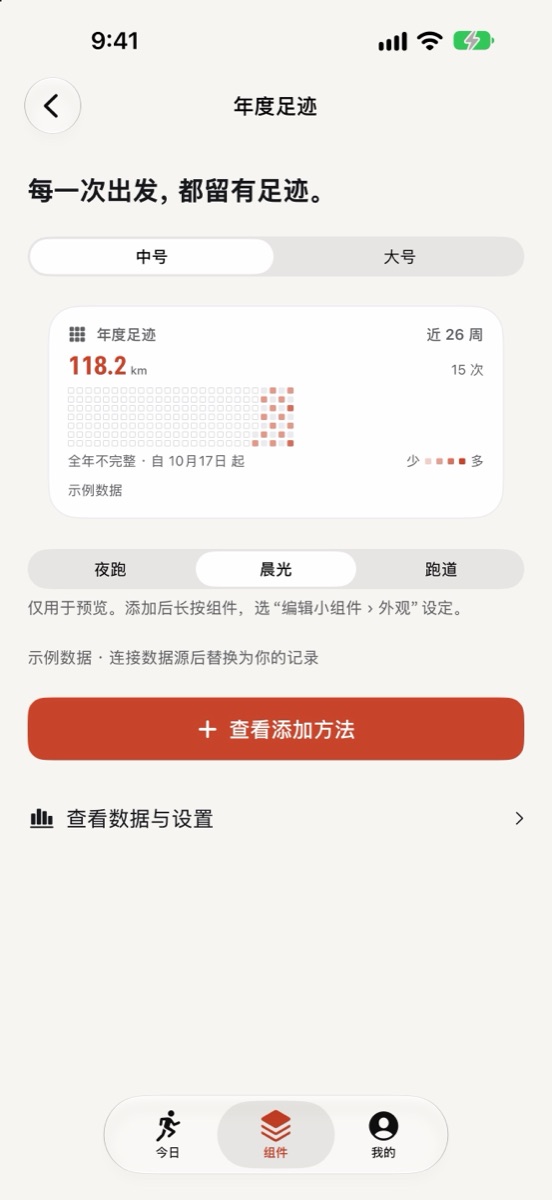
Every run this year, gathered into one map of days. · Medium · Large
Date, goal and days to go for your next race. · Small · Lock Screen inline / rectangular
Open the app to see exactly where you are on this week's lap, then tap in for the details.
Distance is counted the way you'd expect, and anything missing is shown as missing.
Runs are counted by their start time in natural weeks, months and years. Weeks can start on Monday or Sunday.
Set once from your phone, so travel never shifts a run into another week. Change it yourself whenever you need to.
Incomplete history is labelled as partial. Gaps are never filled with zeros, and 90 days is never shown as a full year.
You sign in on the platform's official page; RunningWidget never sees your password. One platform at a time.
After connecting, this year's runs are filled in automatically. Your iPhone reads directly from COROS and keeps the data on the device.
New activity summaries after you authorize are received by the RunningWidget service for your app and widgets. No history import and no daily wellness data.
Explore every screen and widget with sample data, or set up only a race countdown.
RunningWidget reads only what you authorize, and only to show it to you.
iOS schedules widget refreshes based on battery and usage, so there is no fixed interval. Opening RunningWidget syncs immediately and refreshes your widgets. Your watch must first sync to the COROS or Garmin Connect app.
COROS accounts and international Garmin Connect accounts. Garmin China is not supported yet. You can connect one platform at a time.
RunningWidget only counts the range it actually has. COROS history for this year is filled in automatically after you connect, with the covered start date shown while it loads. Garmin only sends activities recorded after you authorize.
No. Connecting a platform doesn't require it. Sign in with Apple only restores your COROS connection on a new device; Garmin needs to be authorized again.
In the app's Me tab: Disconnect removes the connection and cached activity data; Delete RunningWidget Data also clears goals and races; if you used Sign in with Apple, delete the account under RunningWidget Account. Disconnecting Garmin also requests revocation, and you can remove ShadowRun from Garmin Connect's connected apps.
No. It compares HRV, resting heart rate and sleep from your platform with your own recent baseline for everyday reference. It is not medical or training advice.
Write to us about the app, connection issues or data requests. Please never send passwords, codes or access tokens by email.